Automate activities
Consider automating activities
Reijers, H., & Liman Mansar, S. (2005). Best practices in business process redesign: an overview and qualitative evaluation of successful redesign heuristics. Omega, 33(4) All sources
category: Technology class: Task Rules frameworkAspect: Technology perspective: organizational/resource
Description
The “Activity Automation” pattern centers around using technology to automate repetitive and routine tasks within a process. By automating these activities, organizations can reduce errors, save time, and allocate resources more effectively. Activity Automation can be accomplished through various tools such as robotic process automation (RPA) or workflow management systems.
The primary objective of Activity Automation is to eliminate manual effort and reduce the reliance on human intervention for tasks that are repetitive and rule-based. By leveraging automation technology, organizations can improve accuracy, enhance efficiency, and streamline their processes. Employees are freed from mundane and routine activities, allowing them to focus on more strategic and value-added tasks that require human expertise.
In the redesign heuristics of Reijers and Limam Mansar (2005), task automation is distinguished from Apply Integral technology: automation lets a system perform all or part of a task, whereas integral technology changes the infrastructure in which work is done. The best candidates are activities that are frequent, rule-based and work on structured digital input. Activities that require judgement are better suited to semi-automation, where the system prepares a decision and a person confirms it.
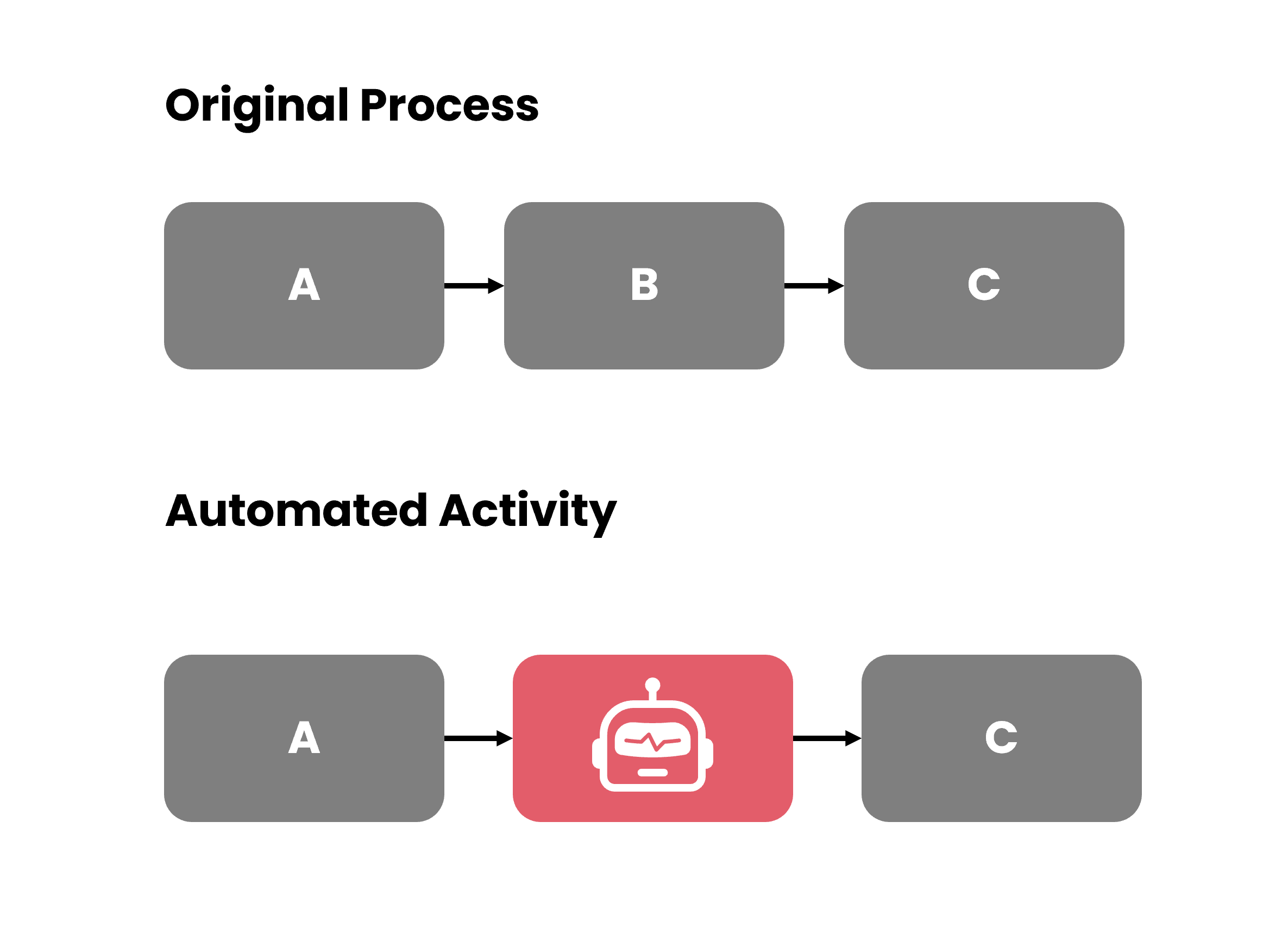 Automate Activities
Implementing Activity Automation brings significant performance implications to a process. By automating routine tasks, organizations can reduce the risk of human errors, enhancing data accuracy and quality. Time and resource savings are achieved as tasks that were previously manually performed can now be executed efficiently and effectively through automation. This leads to improved overall process efficiency, allowing for faster completion of tasks and reduced cycle times.
Furthermore, Activity Automation enables employees to shift their focus from repetitive tasks to more strategic activities. This not only improves job satisfaction but also enhances the organization’s ability to innovate and deliver higher-value outcomes. By leveraging automation technology, organizations can optimize resource allocation, reduce costs, and achieve operational excellence.
Key Takeaways
- Automate Routine Tasks — Activity Automation involves using technology to automate repetitive and routine tasks, such as data entry or report generation.
- Semi-Automate — Instead of fully automating a task, automatic support also be considered.
- Tools for Automation — Activity Automation can be achieved through robotic process automation (RPA) or workflow management systems.
- Automate the stable core — Target high-volume, rule-based activities and route the exceptions to people instead of automating every edge case.
- Fix before you automate — Automating a flawed activity only produces the same errors faster; simplify or eliminate first.
Performance considerations
■ This pattern ■ Baseline
The positive result of automating tasks can be, in particular, that the tasks can be tasks can be carried out faster, at a lower cost and with a better result. An obvious disadvantage is that developing a system to perform a task can be costly. In general a system that performs a task is also less flexible in dealing with fluctuations than a human resource.
Accordingly, the pattern is rated as clearly improving time and cost and moderately improving quality: systems do not queue for human availability, the marginal cost per execution is low, and rules are applied consistently, provided they are correct. Flexibility worsens because every change to rules or input formats now requires a system change, and unusual cases drop out to manual handling. Combining automation with Isolate exceptions keeps the automated path lean while people handle the exceptions.
Example
Spotting the opportunity in event data
Framed along the FLAC rule types — fitness, location, attribute, constraint.
Activity automation is one of the patterns for which FLAC rulesets were built. Fitness: a low automation rate, i.e. a low share of activity executions by system or batch users. Location: frequent activities executed by human users with low variance in processing time and few distinct outcomes. Attributes: user type (human or system), execution count, processing time, rework after the activity as a sign of error-prone manual work, structured input fields. Constraints: activities that need judgement or unstructured input; volumes too low to recover development cost; rules that require a human decision.
Sources & references
- Reijers, H., & Liman Mansar, S. (2005). Best practices in business process redesign: an overview and qualitative evaluation of successful redesign heuristics. Omega, 33(4) Summary on this site Publisher page DOI 10.1016/j.omega.2004.04.012
Enjoy these
Foundational free Patterns
Elevate physical constraints by applying new technology
Consider the division of a general activity into two or more alternative activities
Assign a responsible individual for handling each case type
Let workers perform as many steps as possible for single cases
Automate for environmental impact
Implement automation in a sustainable way
Buffer external information and subscribe to updates
Combine small activities into composite activities
Collect similar work items and work in batches
Constraint-based task assignment
Allocate tasks considering business process execution constraints
Connected to
Elevate physical constraints by applying new technology
Automate for environmental impact
Implement automation in a sustainable way